Independent IPTV Research — USA & UK Focused

Your Trusted Guide to
IPTV Services & Playlists

Finding a reliable IPTV service shouldn't require hours of guesswork. BestPlaylistIPTV.online delivers clear, research-backed guides on IPTV playlists, M3U formats, the best IPTV players, and how to evaluate subscription services — so you can make informed decisions with confidence.

Independent editorial reviews Updated for 2026 Legality-first guidance

What Is an IPTV Service — and How Does It Actually Work?

IPTV — short for Internet Protocol Television — is a method of delivering television programming via your broadband internet connection rather than through traditional satellite dishes or cable infrastructure. Instead of receiving a broadcast signal passively, IPTV streams content directly to your device on demand, giving you far more control over what you watch and when.

A standard IPTV setup involves three components: a subscription or playlist from an IPTV service provider, a compatible media player application installed on your preferred device, and a reliable broadband connection with sufficient bandwidth for the video quality you want.

When a provider supplies you with a subscription, they typically provide a playlist URL or M3U file containing the channel list, along with login credentials. You enter these details into your chosen IPTV player, and the player fetches and displays the available channels in an organized, navigable guide.

IPTV Formats Explained

IPTV content is delivered primarily through a handful of standardized formats. The most common is the M3U playlist — a plain-text file that lists media URLs, channel names, and optional metadata like EPG (Electronic Programme Guide) source links and category groupings. Most IPTV players can parse M3U files natively.

  • M3U / M3U8: The universal IPTV playlist format. Works with virtually every IPTV player on every platform.
  • Xtream Codes API: A panel-based delivery method where you log in with a server URL, username, and password. Often more organized and feature-rich than raw M3U.
  • XMLTV / EPG: The Electronic Programme Guide format. Provides scheduling data so your player can display a TV guide grid rather than just a channel list.
  • Multi-screen streams: Some providers supply separate streams for different video quality levels — SD, HD, FHD, and 4K — within the same playlist.

Understanding these formats helps you choose a player that fully supports the delivery method your provider uses — and troubleshoot issues when a channel loads incorrectly or refuses to play. Our IPTV players guide explains which formats each major player supports.
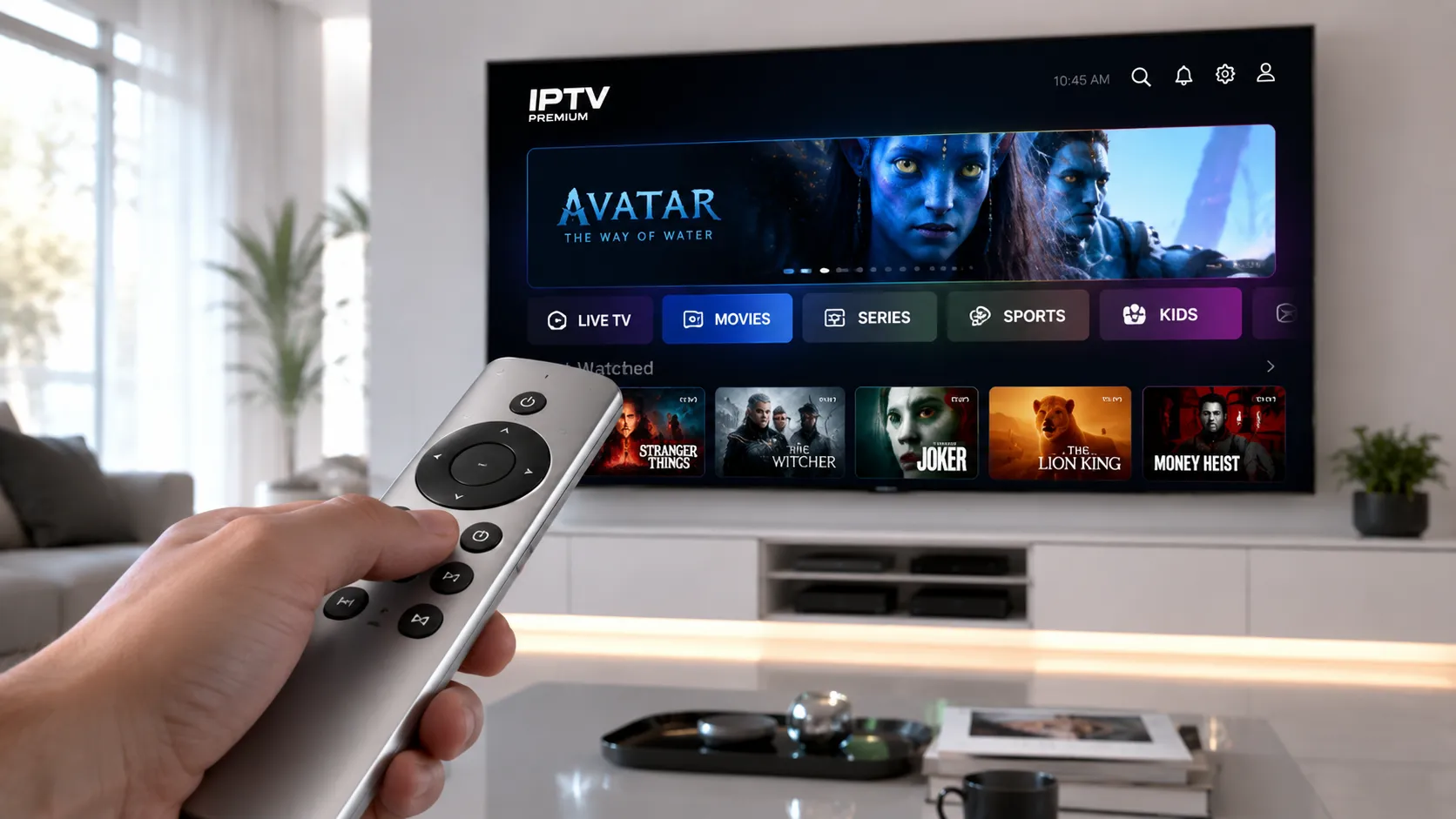
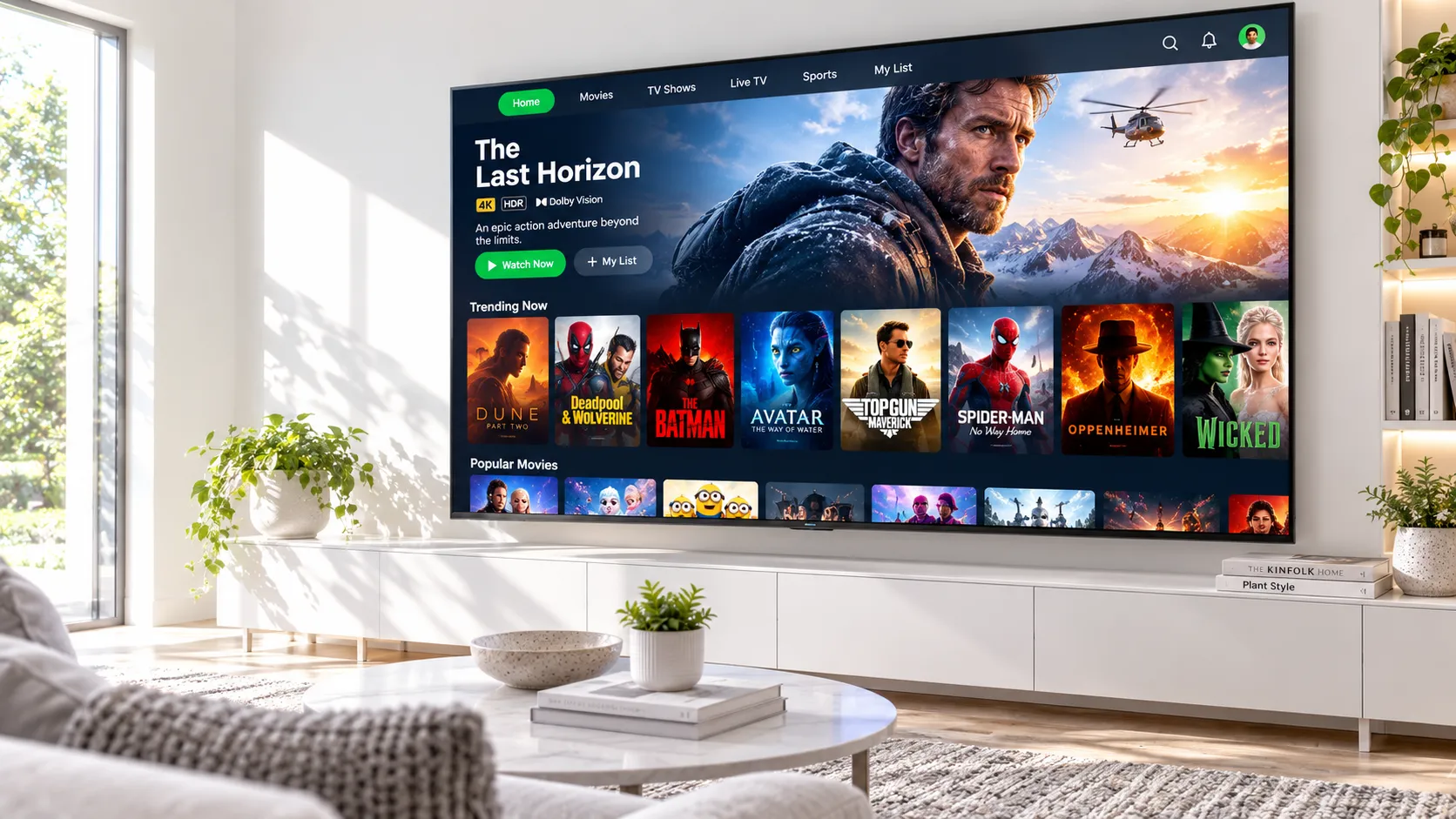
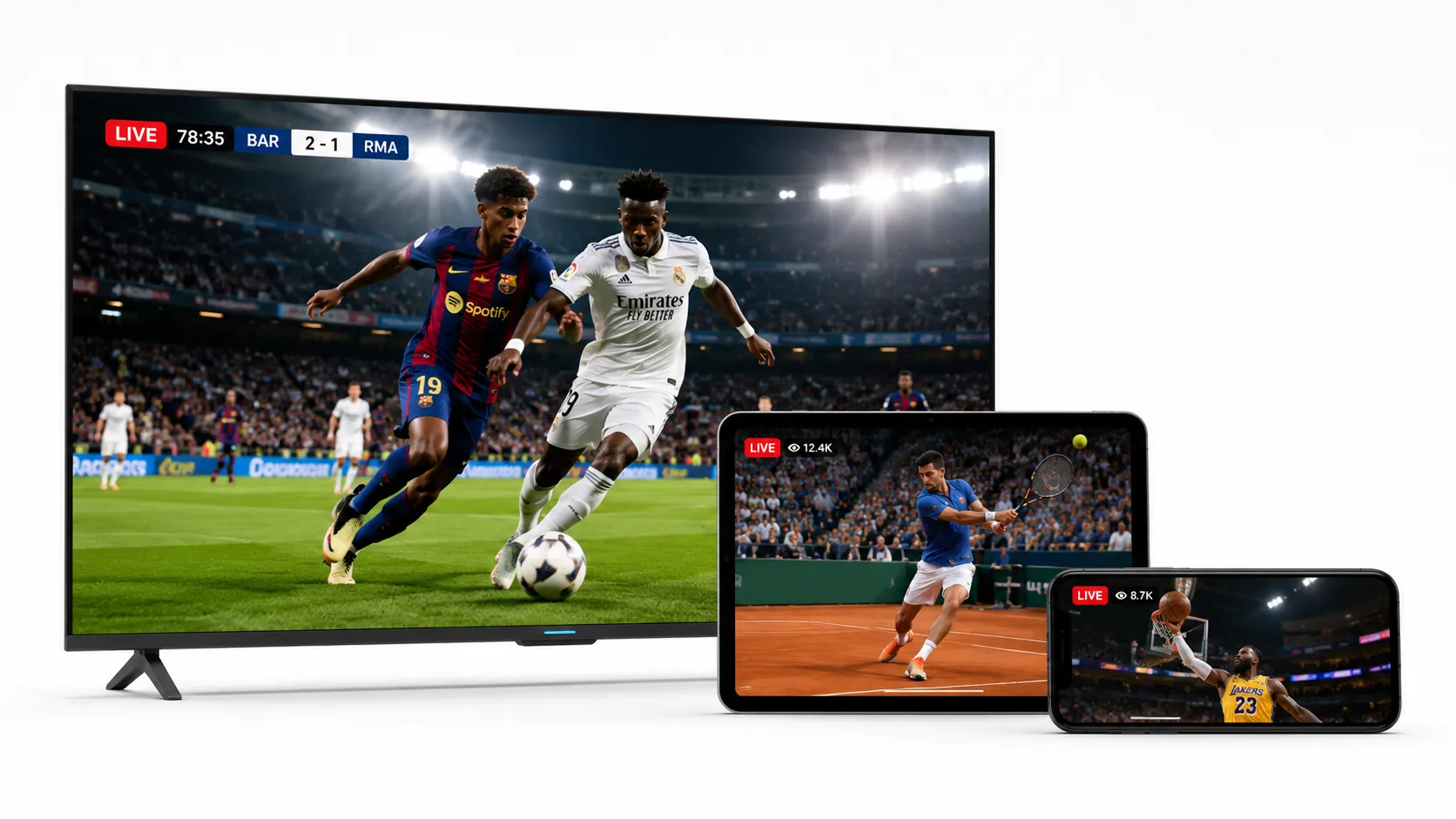
Diagram showing how IPTV delivers live TV channels over an internet connection to multiple devices including smart TV, tablet, and smartphone

How to Use Our Guides

Whether you're brand new to IPTV or looking to upgrade your current setup, our resource library is structured to take you from unfamiliar to fully set up in a logical sequence.

Understand the Landscape

Start with our foundational guides on what IPTV is, how M3U playlists work, and what to realistically expect from an IPTV subscription.

Choose Your Player

Read our IPTV players comparison to select the right app for your device — whether that's a Fire TV Stick, Android TV, Windows PC, or iOS device.

Evaluate Providers

Use our provider comparison and subscription guide to assess services based on reliability, channel count, video quality, and support quality.

Get Set Up

Follow our device-specific setup guides — including our popular Firestick IPTV guide — to configure your player and start streaming.

Choose Your Subscription

Simple, Transparent Pricing.

100% Prepaid. No automatic renewals. You have full control.

3 Months

$ 32

One-time payment

  • 120,000+ Live Channels
  • 160,000+ Movies & Series
  • HD / FHD / 4K Quality
  • Anti-Freeze™ Technology
  • All Sports & PPV Included
  • Full EPG TV Guide
  • 24/7 WhatsApp Support
  • All Devices Supported
  • VPN Access Included
  • Priority Server Access
  • VIP Priority Support
  • First Access to New Features
BUY NOW
Save $49

12 Months

$ 79

One-time payment

  • 120,000+ Live Channels
  • 160,000+ Movies & Series
  • HD / FHD / 4K Quality
  • Anti-Freeze™ Technology
  • All Sports & PPV Included
  • Full EPG TV Guide
  • 24/7 WhatsApp Support
  • All Devices Supported
  • VPN Access Included
  • Priority Server Access
  • VIP Priority Support
  • First Access to New Features
BUY NOW
Instant Access
No Hidden Fees
US & UK Servers
24/7 Support

M3U Playlists: The Foundation of Every IPTV Setup

The M3U format — developed originally for the Winamp media player in the 1990s — has become the universal standard for IPTV channel delivery. Despite its age, it remains the most widely supported format across every major IPTV player and every platform, from Android TV to Apple TV to desktop.

At its simplest, an M3U file is a plain-text document where each channel entry contains a stream URL, a display name, a group or category tag, and optional channel logo URL. When you load this file into a compatible IPTV player, the player reads each entry and presents your channels in an organized, browsable interface — often grouped by category, language, or country.

What Makes a Quality M3U Playlist?

Not all M3U playlists are equal. When evaluating a playlist from an IPTV provider, consider the following characteristics:

  • Stream stability: Channels should load reliably without frequent buffering, freezing, or dropped connections during peak viewing hours.
  • EPG compatibility: A well-structured playlist includes an XMLTV EPG source so your player can display programme schedules — not just a list of channel names.
  • Category organization: Channels organized into logical groups (Sports, News, Movies, Entertainment) make navigation far more usable in a large channel lineup.
  • Codec compatibility: Streams should use widely supported codecs (H.264 / H.265) that your player and device can decode without stuttering.
  • Regular updates: Dead streams and broken URLs accumulate over time. Quality providers maintain and update their playlists consistently.

Our subscription guide discusses how to test and verify playlist quality before committing to a paid plan, including what to look for during a free trial period.

M3U playlist file structure displayed in an IPTV player showing organized channel groups for live TV streaming

Choosing the Right IPTV Player for Your Device

The IPTV player you choose has an enormous impact on your day-to-day experience. A poor player can make even a high-quality playlist feel unreliable — with slow channel switching, broken EPG data, awkward interfaces, and no meaningful playback controls. A well-designed player makes streaming feel effortless.

The most widely recommended IPTV players in 2026 are TiviMate (preferred by experienced users on Android-based devices) and IPTV Smarters Pro (a versatile cross-platform option). Both support M3U playlists, Xtream Codes login, external EPG, and multiple user profiles. Our full IPTV players comparison covers both in detail alongside alternatives for iOS, macOS, Windows, and smart TVs.

TiviMate and IPTV Smarters Pro player interface comparison showing EPG guide and channel list on Android TV
EPG / Programme Guide Support

Choose a player that fetches and displays a full electronic programme guide. Watching without EPG is like navigating with no channel names — functional but frustrating.

Multi-Device Compatibility

Confirm the player works on every device in your household — Fire TV Stick, Android tablet, Smart TV, and Windows PC may each require a different app version.

Parental Controls

Households with children should prioritize players offering PIN-protected channel categories and content lock features to prevent unauthorized access.

Playback & Buffer Settings

Advanced players let you adjust buffer size, video decoder, and connection timeout settings — critical tools when troubleshooting freezing or stuttering streams.

Favourites & Catch-Up

Favouriting channels speeds up daily navigation. Where providers support it, catch-up functionality lets you rewind live TV — a feature worth confirming before subscribing.

Active Development & Support

IPTV stream protocols evolve. Prioritize players with regular updates — abandoned apps quickly develop compatibility issues with modern streams and OS versions.

Read the Full Player Comparison

Not sure which IPTV service is right for you?

Our team is available on WhatsApp to answer your questions directly — whether you need help choosing a provider, configuring your player, or understanding what a free trial actually involves.

How to Evaluate an IPTV Subscription Before You Pay

The IPTV subscription market is crowded, and not all providers deliver what they promise. These are the criteria our guides use to assess whether a service is worth your money.

01
Device & Player Compatibility

Confirm the service works with your specific devices and your chosen IPTV player. Xtream Codes and M3U support should both be available.

02
Channel Count vs. Channel Quality

A list of 20,000 channels is meaningless if most are unstable. Ask how many channels are live and stable during peak hours — typically evenings and weekends.

03
Video Quality Options

Look for services offering SD, HD, FHD, and 4K streams across the same subscription — with clear labeling inside the playlist so you can switch quality by connection speed.

04
Free Trial Availability

Any reputable provider should offer a short trial — typically 24 to 48 hours — before asking for payment. Our free trial guide lists providers offering genuine tests.

05
Support Quality

Responsive, knowledgeable support is a strong signal of provider reliability. Test response times before subscribing, not after a problem appears.

06
Cancellation & Refund Policy

Understand the terms before paying. Month-to-month flexibility is preferable to annual commitments until you've verified the service meets your expectations.

Read the Full Subscription Guide Find Free Trials

IPTV on Amazon Firestick: What You Need to Know

Amazon's Fire TV Stick remains one of the most popular devices for IPTV streaming in both the USA and UK. Its low price point, simple remote, and solid hardware make it an ideal platform — provided you know how to configure it correctly for IPTV use.

Because most IPTV player apps are not listed in the Amazon Appstore, you'll need to enable third-party app installation (commonly called sideloading) and use the Downloader app to fetch and install your chosen IPTV player directly. This process is straightforward once you understand the steps, and our full Firestick IPTV guide walks through it in plain language.

Apps That Work Best on Firestick

  • IPTV Smarters Pro: Available via Downloader. Supports M3U and Xtream Codes. Clean interface, reliable playback, excellent EPG support.
  • TiviMate: The gold standard for Android TV and Fire TV devices. Requires a companion app purchase for full features, but the interface and stability are unmatched.
  • GSE Smart IPTV: A solid free alternative for users who want a capable player without a subscription cost.

For step-by-step installation instructions, including the exact Downloader codes and configuration settings for each app, visit our IPTV Smarters Firestick installation guide or the broader Firestick IPTV setup page.

If you're considering 4K content, bear in mind that the Fire TV Stick 4K Max handles UHD streams significantly better than older Stick models. Our 4K IPTV guide covers hardware recommendations alongside provider considerations.

Amazon Fire TV Stick showing IPTV player app setup screen with M3U playlist configuration for live TV streaming

Why You Can Trust Our IPTV Guides

BestPlaylistIPTV.online is an independent editorial resource. We do not accept payments for placement in our comparisons, and we are transparent about how we earn any referral income where applicable. Our guides are written to help you make informed decisions — not to push you toward any specific provider.

We focus exclusively on legitimate, authorized IPTV services and the technology surrounding them. Our IPTV legality guide covers the legal landscape in the USA and UK in detail, including how to identify whether a service is operating within the law in your jurisdiction.

Legal Disclaimer

BestPlaylistIPTV.online provides informational and educational content about IPTV technology, players, and subscription services. We do not host, distribute, or link to any unauthorized content streams. Users are solely responsible for verifying that any IPTV service they subscribe to is legally authorized to distribute the content it provides in their country or region. Laws regarding IPTV vary by jurisdiction. When in doubt, consult a qualified legal professional.

Independent Reviews Only

No provider can pay to appear in or be removed from our comparisons. Rankings are based on our own assessment criteria.

Regularly Updated Content

IPTV is a fast-moving space. We review and update our guides regularly to reflect current providers, app versions, and platform changes.

Legality-First Editorial Policy

We do not cover, recommend, or link to services designed to circumvent content licensing. Every service we discuss operates — or claims to operate — within legal frameworks.

Direct Reader Support

Have a question our guides don't answer? Reach us directly on WhatsApp for straightforward, honest guidance without the sales pressure.

Frequently Asked Questions About IPTV

Answers to the questions we see most often from readers in the USA, UK, and Canada.

IPTV (Internet Protocol Television) delivers live television channels over a broadband internet connection using a structured playlist — typically in M3U or Xtream Codes format. Unlike on-demand streaming services such as Netflix, IPTV focuses primarily on live channels, though many IPTV services also include a Video On Demand (VOD) library. The key difference is that IPTV is delivered through a dedicated player app you configure yourself, rather than a closed app ecosystem managed by the content provider.

IPTV as a technology is entirely legal. The legality depends entirely on the specific service you use and the content it distributes. A legitimate IPTV service holds the necessary content licensing agreements to distribute the channels it offers in your region. Services that redistribute premium channels without authorization are operating illegally — and using them potentially exposes subscribers to legal risk. Our full IPTV legality guide explains how to identify legally authorized services in the USA and UK.

An M3U playlist is a text file that lists your IPTV channels — their names, category groupings, logo URLs, and stream URLs. When you subscribe to an IPTV service, the provider typically gives you either an M3U URL (which updates automatically) or a downloadable M3U file. You paste this URL or file path into a compatible IPTV player app, which reads the playlist and presents your channels in a navigable interface. Most IPTV players — including TiviMate, IPTV Smarters Pro, and GSE Smart IPTV — support M3U natively.

TiviMate is widely considered the best IPTV player for Fire TV Stick among experienced users, thanks to its polished interface, reliable EPG, multi-playlist support, and excellent playback stability. IPTV Smarters Pro is an excellent free alternative with strong compatibility across M3U and Xtream Codes setups. Both apps require sideloading — they're not available directly in the Amazon Appstore. Our Firestick IPTV guide covers the installation process for both in detail.

For standard HD (1080p) IPTV streaming, a consistent download speed of at least 15–25 Mbps is recommended. For 4K Ultra HD streams, you'll want a minimum of 40–50 Mbps dedicated to the streaming device. Consistency matters more than peak speed — an unstable connection that fluctuates between 10 and 100 Mbps will produce more buffering than a stable 30 Mbps connection. Using a wired Ethernet connection (or a high-quality Wi-Fi 6 connection) significantly improves reliability compared to standard 2.4 GHz Wi-Fi.

Yes — reputable IPTV providers typically offer a free trial of 24 to 48 hours before requiring payment. This trial period is essential and should never be skipped. It allows you to test stream stability on your actual internet connection, verify that your preferred channels are available and in the quality advertised, and confirm that the playlist works correctly with your chosen IPTV player. Our IPTV free trial guide lists providers with verified trial options for USA and UK users.

EPG stands for Electronic Programme Guide — the TV schedule grid that shows you what's currently airing and what's coming up on each channel. Without EPG data, your IPTV player shows only a list of channel names with no scheduling information. A quality IPTV provider supplies an XMLTV-format EPG source alongside the M3U playlist, and your player fetches and displays this guide automatically. TiviMate's EPG view is particularly well-regarded for its clarity and reliability.

IPTV buffering usually has one of four causes: insufficient internet speed, network congestion at peak hours (typically evenings), overloaded provider servers, or player configuration issues. Start by testing your internet connection speed directly on the streaming device — not your phone or computer. If speed is adequate, try reducing the stream quality in your player settings, increasing the buffer size if the option is available, or switching to a wired connection. If buffering is limited to specific channels or times of day, the issue is likely on the provider's server side rather than your network.

Ready to find the right IPTV service for your home?

Start with our provider comparison, explore player options, and if you need a hand — we're available directly on WhatsApp to point you in the right direction.